 Fynchat
Products & Services Catalog
One unified catalog of your products and services: add and organize items with catalogs, categories, images, and prices to feed your online store, the Inbox "share catalog" action, and the AI assistant's tools.
What is the Products & Services Catalog?
The Products & Services Catalog is the single list of everything you sell — products and services — in one place. You manage it from the Products & Services Catalog page: add, edit, and delete items, upload images and video, and organize them into groups.
This catalog is unified: the same items feed your online store, the "share catalog" action in the Inbox, and the AI assistant's tools — so you maintain it once and it shows up everywhere.
Note: The catalog page is available to a signed-in account with a verified email, a connected WhatsApp, and an active subscription. Each catalog is fully private to your account; you only ever see your own items, and items from another account can't be accessed.
How the catalog is displayed and organized
Items are grouped on two levels: Catalog (top-level group), then Category (a second level under it), then the items. Items you leave without a catalog or without a category fall under a "general" group.
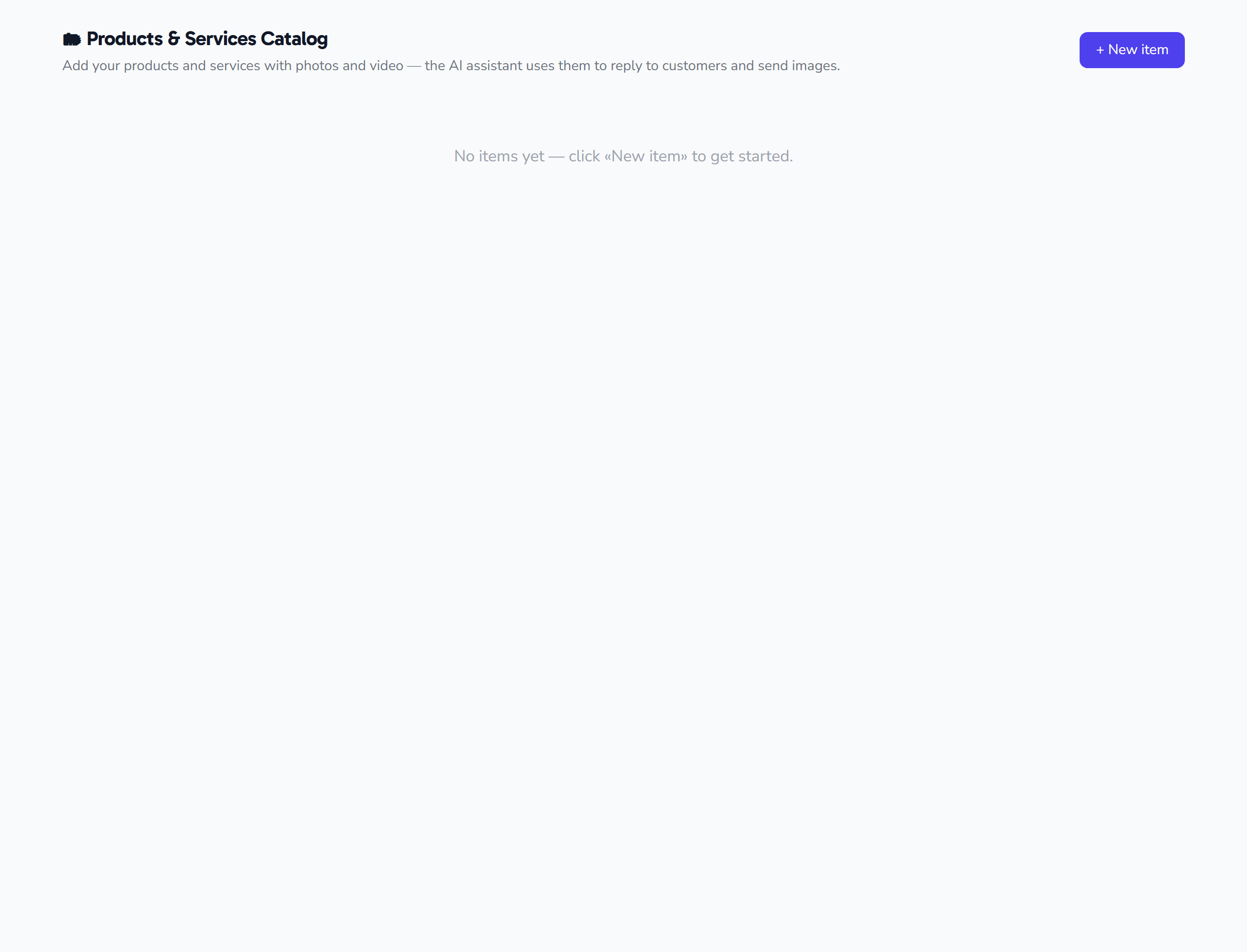
All of your account's items load at once on the page (there is no search, pagination, or filtering). If you don't have any items yet, an empty-state message appears in place of the list.
Adding and editing items
- Add: the add button at the top right of the page opens a blank form for a new item.
- Edit: the edit button on an item's card loads its details into the same form.
- Save and cancel: the save button is disabled while it's processing and its label changes to "Saving," while cancel closes the panel without saving.
- After each action, a confirmation banner appears at the top of the page: "✓ Item added" or "✓ Item saved."
Item fields
| Field | Description |
|---|---|
| Name | The item's display name. The only required field, up to 200 characters. If you leave it empty, a validation message appears under the field. |
| Type | 🛍️ Product or 🛠️ Service (default: Product). See the section below. |
| Catalog | An optional top-level group (up to 120 characters). The field auto-suggests existing catalog names to keep naming consistent. Empty falls under "general." |
| Category | An optional second-level group shown under the catalog (up to 120 characters). Empty falls under "general." |
| Description | Optional free text up to 4000 characters in a three-row box. Shown truncated to two lines on the card. |
| Price | An optional number (step 0.01, no less than zero). Shown formatted alongside the currency, and hidden if you leave it empty. |
| Active | A checkbox that controls whether the item shows (default: on). Inactive items appear dimmed in the list. |
| Media | Multiple images and video for the item (details below). |
Type: product or service
Every item has a type: 🛍️ Product (a good) or 🛠️ Service, defaulting to "Product." The type appears as a colored badge on the item's card: "Service" for services and "Product" otherwise.
Media: images and video
- Upload multiple files per item. The on-screen picker accepts JPEG and PNG images and MP4 video.
- Up to 10 files per item, and up to about 16 MB per file.
- When editing, existing media appear as thumbnails, each with an (×) button to remove it before saving.
- The first media becomes the item's card thumbnail, and the card shows a media count.
- Files upload to cloud storage, and the image URLs are also used by your online store.
Currency and ordering
- Currency: the price shows alongside a currency, defaulting to Saudi Riyal (SAR). There is no field on this page to change the currency.
- Ordering: items are ordered automatically (grouped by catalog, then category), and there is no control on this page to reorder them manually.
Deleting an item
The delete button on an item's card shows a confirmation dialog before it runs. After deletion, a "✓ Item deleted" message appears, and the item is removed from your catalog — and from everything it feeds: your store, the Inbox share action, and the AI assistant.
Where the catalog appears
Because the catalog is unified, the items you add here appear in:
- Your online store in the Store & Orders app — image URLs are automatically mirrored into the store's product images.
- Share catalog from the Inbox, to send your items to a customer inside the conversation.
- The AI assistant's tools, so it can draw on them in its replies; configure its behavior from AI assistant settings.
Tips
- Start with the name (the required field), then add a catalog and a category to organize your items into clear groups.
- Lean on the auto-suggestions for catalog names to keep naming consistent across your items.
- Add at least one image; the first media becomes the card thumbnail and the product image in your store.
- To mark an item inactive instead of deleting it, turn off the Active checkbox; it then appears dimmed in the list and is hidden from your store.
- Because the catalog is unified, what you update here is reflected across your store, the Inbox share action, and the AI assistant.