 Fynchat
Law Firm app
Run your law office through Fynchat — cases, hearings, powers of attorney, consultations, and automatic client reminders.
What is the Law Firm app?
The Law Firm app brings your legal practice into Fynchat, wired straight into your WhatsApp conversations:
- A full case register: court, Najiz case number, client role, opponent, and stage.
- A hearing schedule per case, with what's next on the app dashboard.
- A POA radar: an alert 30 days before any power of attorney expires.
- Consultation requests with statuses, schedules and fees.
- An AI tool: your client asks the bot "what's the status of my case?" and it answers with their case stages and next hearing — recognising them by their WhatsApp number.
Installing
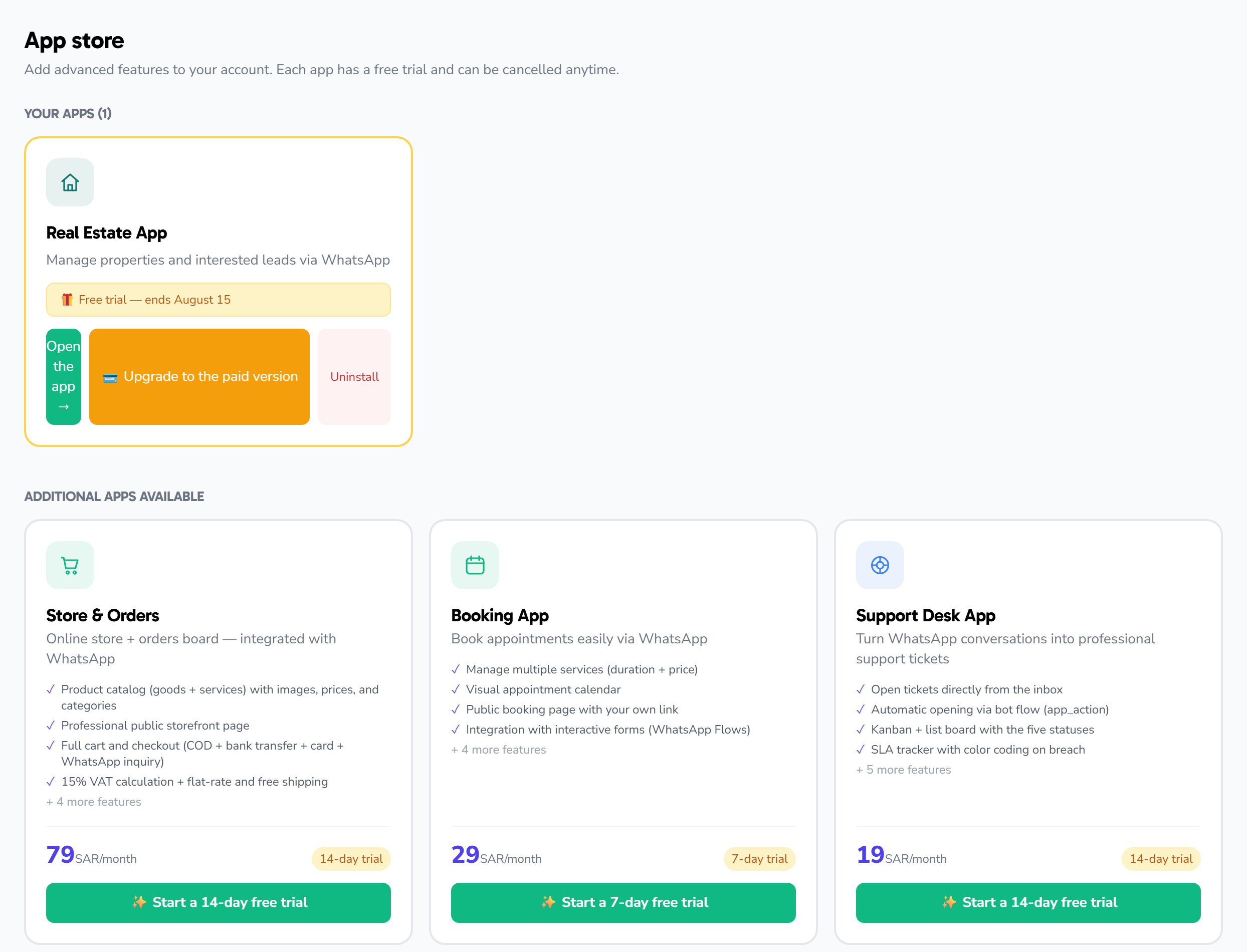
Open the App Store, pick the «Law Firm» card and start the free 14-day trial. After installing, «⚖️ Law firm» appears under My apps in the sidebar.
Cases
- From the app dashboard press New case.
- Fill the subject, link the client to a contact (this powers the WhatsApp link and the AI tool), and set the court, client role and opponent.
- On the case page switch the stage with one click: consultation → under study → filed → in court → judgment → appeal → execution → closed.
Closing a case stamps the closing date automatically; reopening clears it.
Hearings
Add a hearing to any case with its date and location (a courtroom or a video-hearing link). After the hearing, press Record result and note what happened — the full hearing history stays inside the case.
Automatic hearing reminders
In Settings, enable «Hearing reminders to clients» and pick how many hours before the hearing (default 24). The client receives a WhatsApp reminder with the case subject, time, and location.
The reminder is sent as a regular message, so the 24-hour window with the client must be open (they messaged you within the last day). If it is closed, the reminder is skipped and logged.
Powers of attorney
Record every POA with the principal's name, number, and expiry date. Any active POA approaching expiry (30 days) surfaces on the app dashboard and at the top of the POAs page, with a colour-coded days-left counter (amber ≤30, red ≤7).
Consultations
Log consultation requests with a subject, schedule, and fee, and flip their status straight from the list: new → scheduled → done.
The Requests integration
Any request captured from a customer conversation shows a Law Firm widget on its page with two converters: Convert to consultation or Convert to case — the record is created linked to the same contact, with a direct link back from the request.
The "my cases" AI tool
After installing, the get_my_cases tool appears under AI → Tools. Enable it so the bot can answer clients about their cases — the client's number must match the contact on the case.
Via the API
For API customers: the cases.read and cases.write scopes let you read cases, create them, and update their stages programmatically — see the API docs under Settings → Integrations.