 Fynchat
Connect Messenger, Instagram and TikTok
Connect your Facebook Page, your professional Instagram account and your TikTok business account so all their messages arrive in your unified inbox.
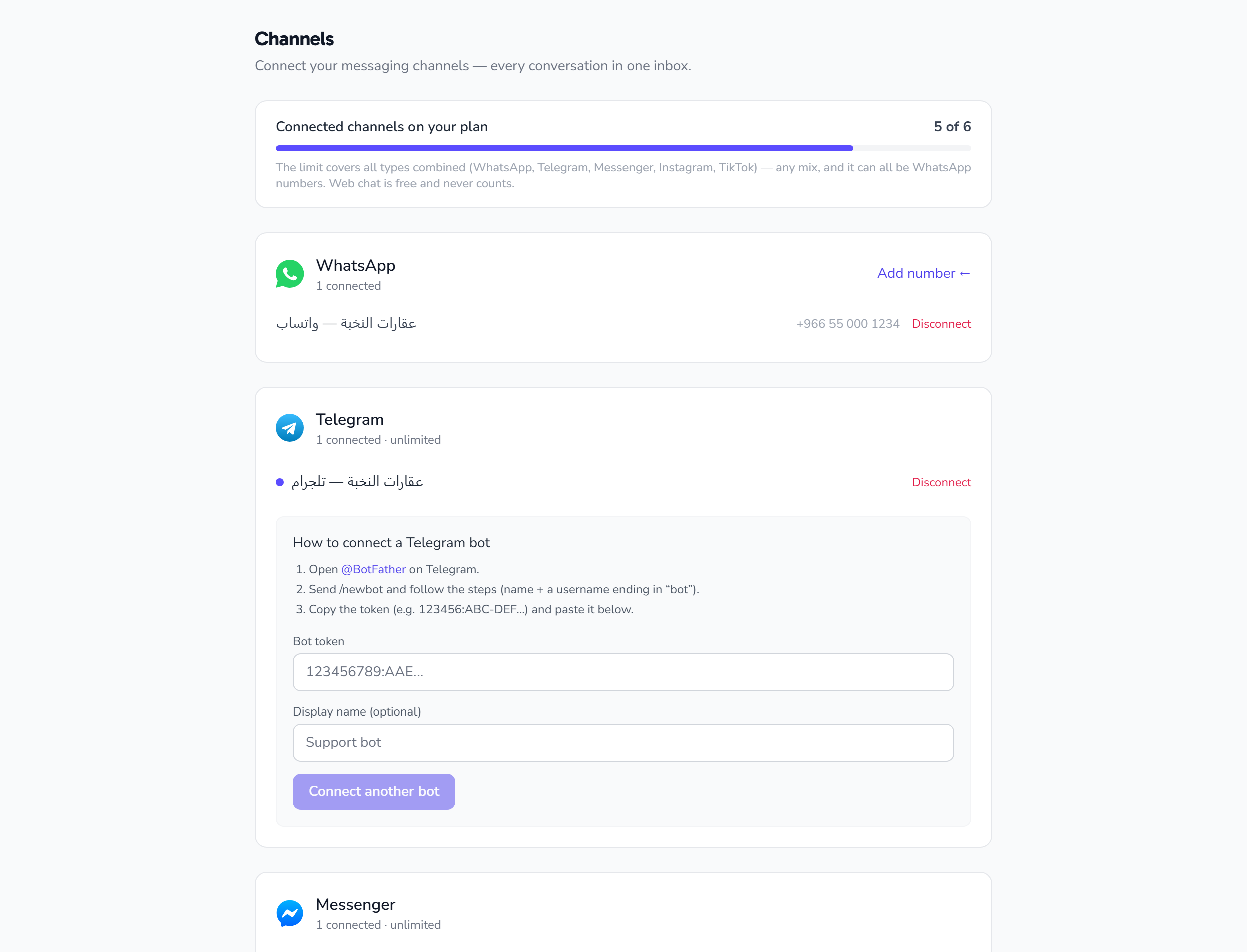
Messenger (Facebook Page messages)
Requirements
- A Facebook Page for your business (a personal profile will not work).
- You must be an admin of that Page.
Easiest: embedded connect
- Settings → Channels → Messenger → Connect.
- Sign in with Facebook, pick the Page, and approve the permissions.
- The Page is connected automatically, with no tokens to copy.
Manual (Page access token)
If you manage an app in Meta for Developers:
- Create a Page Access Token in your Meta app settings → Messenger API Settings.
- Paste it into Channels → Messenger → Manual connect.
"Invalid page token" almost always means an incomplete copy, or a user token instead of a Page token.
Instagram (direct messages)
Requirements
- A professional Instagram account (Business or Creator) — personal accounts cannot use messaging APIs.
- Linked to your Facebook Page.
- Allow access to messages enabled in Instagram: Settings → Privacy → Messages → allow access for third-party tools.
Connect
- Settings → Channels → Instagram → Connect, then sign in and approve the permissions.
- Or manually, using the access token of the Page linked to the professional Instagram account.
"Could not fetch the Instagram account" means the account is not professional, is not actually linked to the Page, or message access is off.
What arrives from Instagram
- Direct messages (DMs) ✅
- Story replies ✅
- Public post comments ❌ (not routed to the inbox yet)
TikTok
- Settings → Channels → TikTok → Connect.
- Sign in with your TikTok account and approve the permissions; the account is linked directly.
- You need a business account with messaging enabled.
After connecting
- The channel appears on the Channels page with its status, and its messages arrive in the unified inbox alongside every other channel.
- Reception bot, automated replies and the AI assistant apply exactly as they do on WhatsApp.
- Campaigns and templates remain WhatsApp-only.
- Every connected channel counts against your plan allowance.
Troubleshooting
| Problem | Most likely cause |
|---|---|
| Instagram messages never arrive | Account is not professional, not linked to the Page, or message access is off |
| "Invalid token" | Incomplete copy, or missing permissions on the Meta app |
| Channel connected then stopped | The token expired or the account password changed — reconnect |