 Fynchat
Website chat (Web Chat)
Add a chat widget to your site with one snippet; visitor messages land in your unified inbox and the AI assistant or your team answers instantly.
What is website chat?
A chat widget in the corner of your website where a visitor can type without leaving your site and without giving you their number first. Their messages arrive in the same unified inbox, and your team or the AI assistant replies just like any other channel.
It is the best way to catch a visitor at the moment of interest: they ask about a price or availability and get an answer in seconds, instead of leaving.
Create and install
1) Create the widget
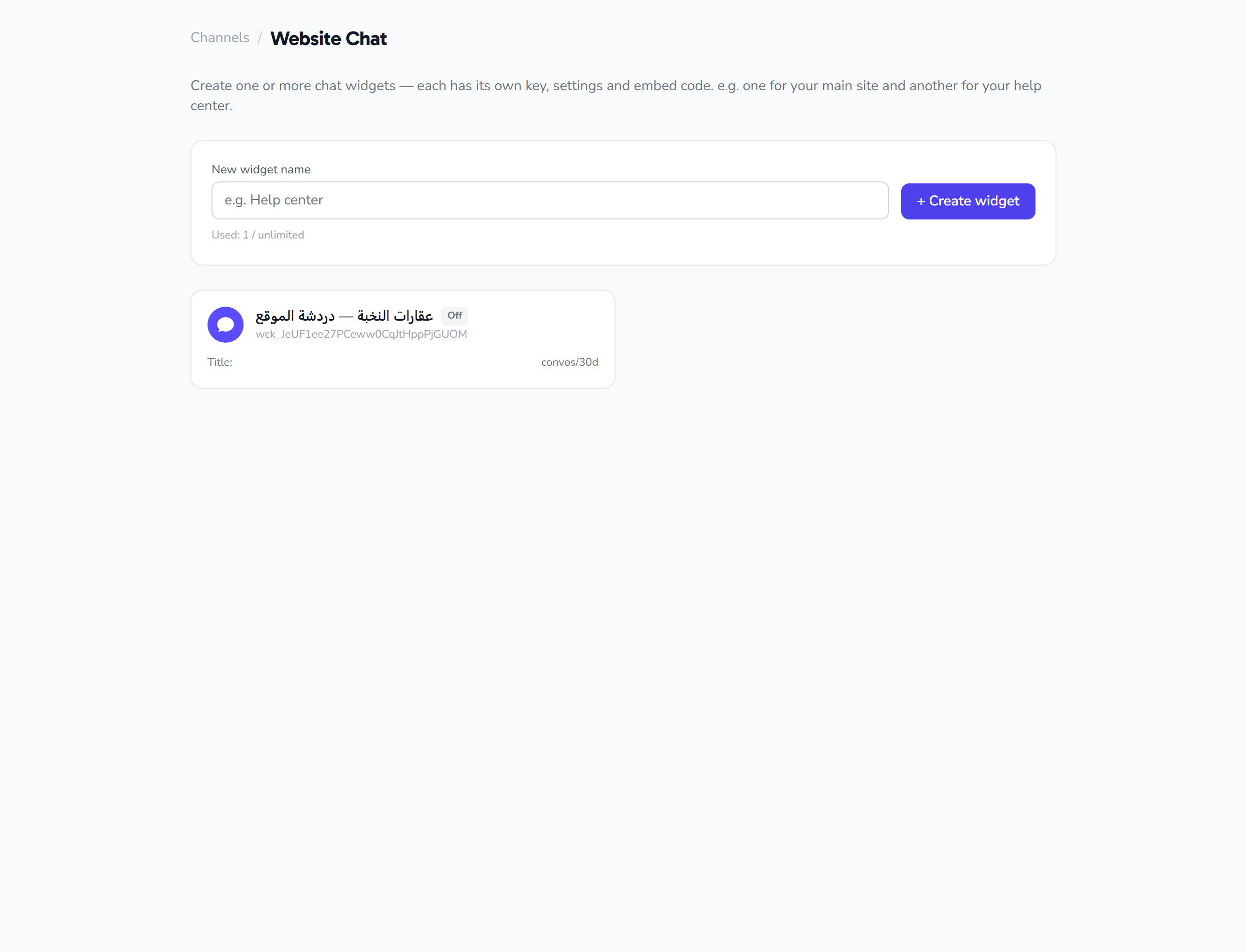
- Settings → Channels → Website chat → Create.
- Give it an internal name if you run more than one site.
2) Customise it
From the widget settings you control:
- Business name and avatar as the visitor sees them
- Widget colour to match your brand
- Welcome message shown when the chat opens
- Widget position on the page
3) Install it on your site
Copy the install snippet shown on the page and paste it into your site before the closing body tag. On most platforms no developer is needed:
- WordPress: any plugin that injects footer code.
- Salla / Zid / Shopify: store settings → custom code.
- Custom site: your developer adds it once to the shared layout.
Publish, refresh your site, and the widget appears.
How conversations arrive
- Every visitor who starts a chat appears in the inbox under the Website chat channel.
- Automated replies, the reception bot and the AI assistant all apply.
- You can hand any chat over to a human agent at any moment.
Good to know
- No 24-hour window: the WhatsApp time limit does not apply here.
- Campaigns are not sent over website chat (WhatsApp only).
- Visitors are anonymous until they share their details, so configure the AI assistant to ask for a name and mobile number when there is real interest — that turns the visitor into a saved lead in your contacts.
- Each widget counts as one channel against your plan.