 Fynchat
Coexistence: keep using the WhatsApp Business app
Connect your number to Fynchat and keep using the WhatsApp Business app on your phone at the same time, with up to 180 days of past chats imported.
What is coexistence?
Normally, once a number is connected to the official WhatsApp Business Platform it stops working in the WhatsApp Business app on your phone. Coexistence removes that trade-off: your number keeps working in the app, and works inside Fynchat with all of its features at the same time.
It suits anyone used to replying from their phone who does not want to change how they work overnight, and anyone worried about losing their history.
The key benefit: your chats come with you
When you connect in coexistence mode, up to 180 days of your past conversations are imported, arriving in batches within about 24 hours.
They are imported as an archive, which means:
- Original timestamps, exactly as they happened
- Marked resolved so they do not flood your inbox
- No automated replies or campaigns are triggered on them
- No unread counters are raised
You start with your full customer history, not a blank page.
Requirements
- Your number must currently run on the WhatsApp Business app (not regular WhatsApp).
- Access to the phone to receive the verification code during setup.
Steps
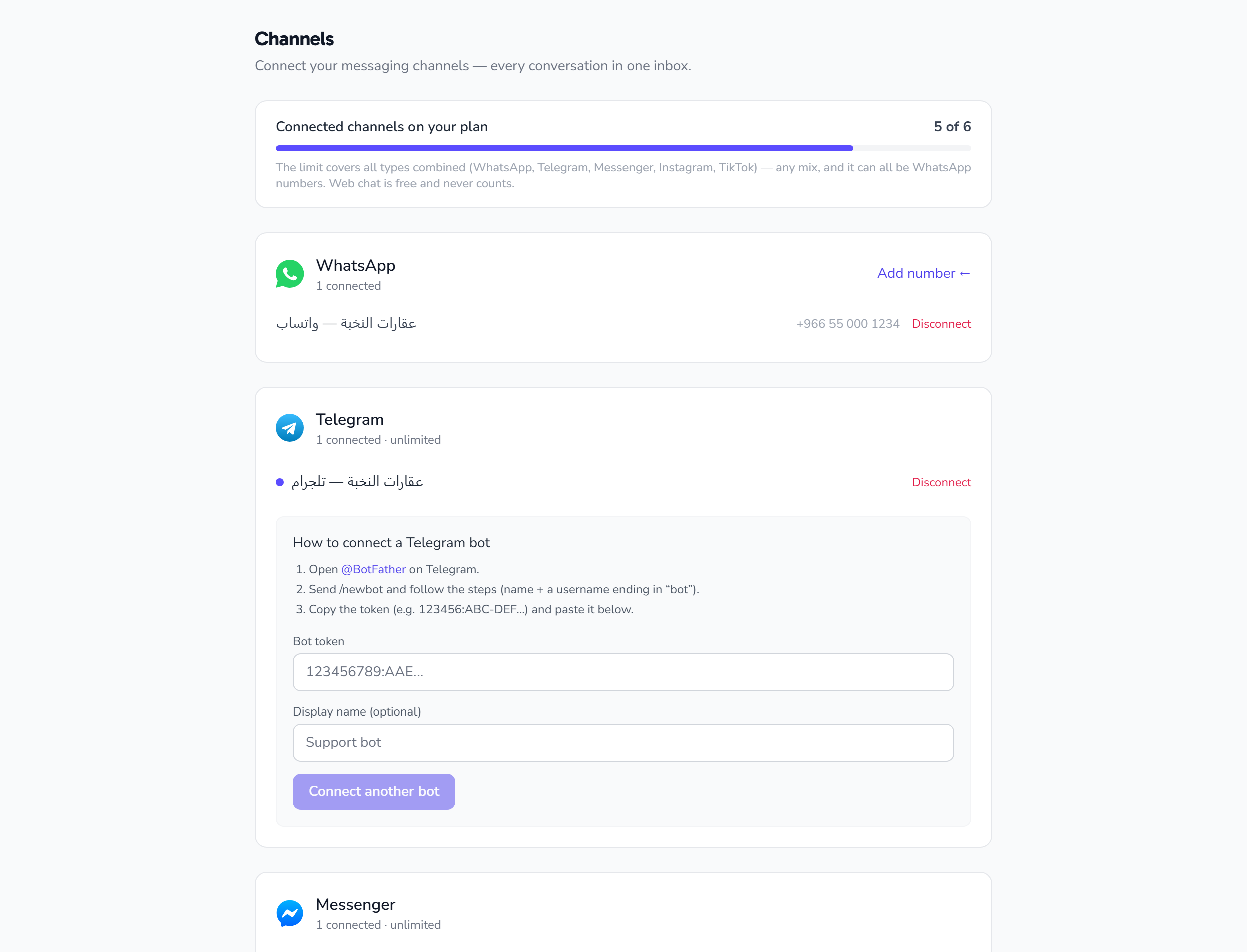
- Settings → Channels → Add WhatsApp number.
- Choose connect and keep using the app (coexistence).
- Complete the Meta steps and verify with the code sent to your number.
- Wait for the history import (up to 24 hours, arriving in batches).
After connecting
- Keep replying from the app on your phone as usual.
- And reply from Fynchat with a full team, automated replies, the AI assistant and campaigns.
- Conversations appear in the unified inbox with all your other channels.
Careful: if an agent replies from Fynchat while you reply from the app at the same time, the customer may receive two answers. Agree on who owns the reply to avoid duplicates.
FAQ
Do I lose my old chats? No — up to 180 days are imported as they are.
Can I undo it? Yes, disconnect the number from the Channels page; your conversations stay in Fynchat.
My number is on regular WhatsApp, not Business? Switch it to the WhatsApp Business app first (free from the store), or connect it normally without the history import.