 Fynchat
What are Flows?
An introduction to WhatsApp Flows and how to use them for appointment booking, surveys, and sign-up.
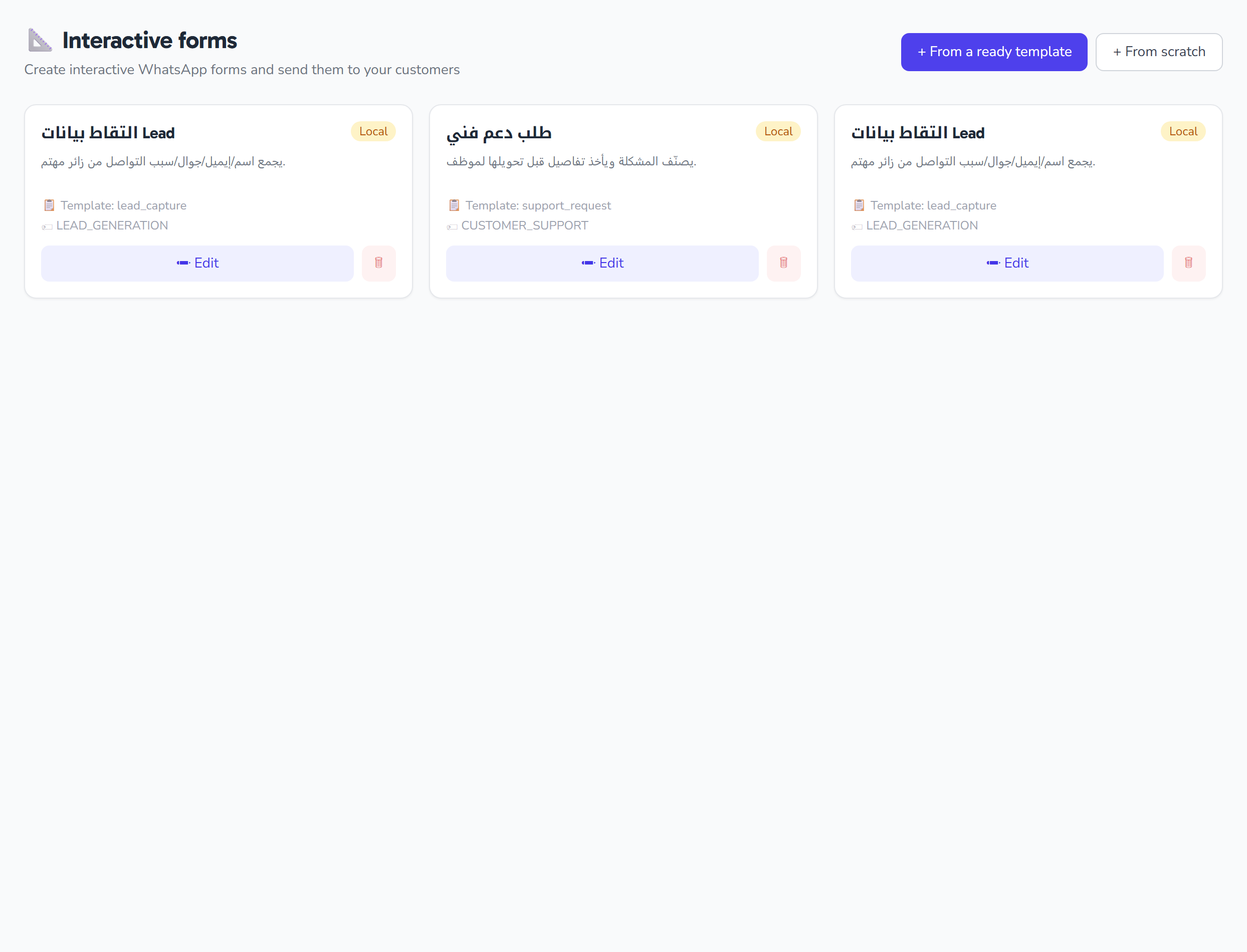
What are Flows?
Flows are interactive screens inside WhatsApp — the customer can interact with them without opening a browser or downloading an app.
Examples:
- 📅 Appointment booking (date + time + service)
- 📋 Satisfaction survey (1–5 star rating + notes)
- 📝 Sign-up (name + email + specialty)
- 📦 Quick order (products + delivery address)
How do they work?
- You design a Flow in Meta WhatsApp Manager using a drag-and-drop builder
- You connect it to an encrypted endpoint in Fynchat
- You send the template that contains an "Open Flow" button
- The customer opens it inside WhatsApp and interacts
- The results come back to you in the inbox as a structured message
Benefits of Flows
✅ Smooth experience — the customer never leaves WhatsApp ✅ High engagement rate — far better than sending a web link ✅ End-to-end encrypted — data between the customer and the endpoint is encrypted with AES-128-GCM ✅ Multi-screen — a single Flow can contain several steps
Setup in Fynchat
1. Create a Flow in Meta
- Go to business.facebook.com/wa/manage
- Flows → Create
- Choose a ready-made template (such as "Appointment Booking")
- Edit the design
- Copy the Flow ID (15 digits)
2. Register the Flow in Fynchat
- Go to Flows → + New Flow
- Enter:
- Name: "Appointment Booking"
- Flow ID: the one you copied from Meta
- Handler: choose the appropriate type
- Click Save
- Generate keys — we create an RSA 2048 key pair
- Copy the Public Key
3. Connect it in Meta
- Meta WhatsApp Manager → Flows → Endpoint Configuration
- URL:
https://yourdomain.com/api/flows/{flow_id}/endpoint - Sign Public Key: paste the key you copied
- Verify
4. Test the Flow
Send the template containing the Flow button to your number → open it → confirm that it works.
Ready-made handlers
Fynchat provides ready-made handlers for common types:
- Appointment Booking — saves appointments in the system
- Survey — saves results into reports
- Lead Capture — saves to the contacts list
- Custom — tailored to your needs (requires development)
Common issues
"The Flow won't open for the customer"
- Check that the Flow is live in Meta (not Draft)
- Check that the Endpoint URL in Meta is correct
- Check that the public key matches
"The data doesn't reach me"
- Check the endpoint status on the Flow page in Fynchat
- Review the error logs under Settings → Webhooks
"I need a custom Flow with complex logic"
Contact us — we offer a custom Flow design service for customers on the Business and Enterprise plans.