 Fynchat
Add a Chat Widget to Your Site
A WhatsApp contact button that appears on your site with a single line of JavaScript.
Overview
The Fynchat Chat Widget is a floating button you add to any website to turn visitors into WhatsApp conversations directly.
Features:
- ✅ A single line of JavaScript (no frameworks)
- 🎨 Full customization: color, position, text, agent photo
- 📊 Automatic click tracking
- 🛡 Site protection (domain whitelist)
- 🔍 UTM capture (knows which campaign the customer came from)
- 📱 Responsive on mobile and desktop
Create a widget
-
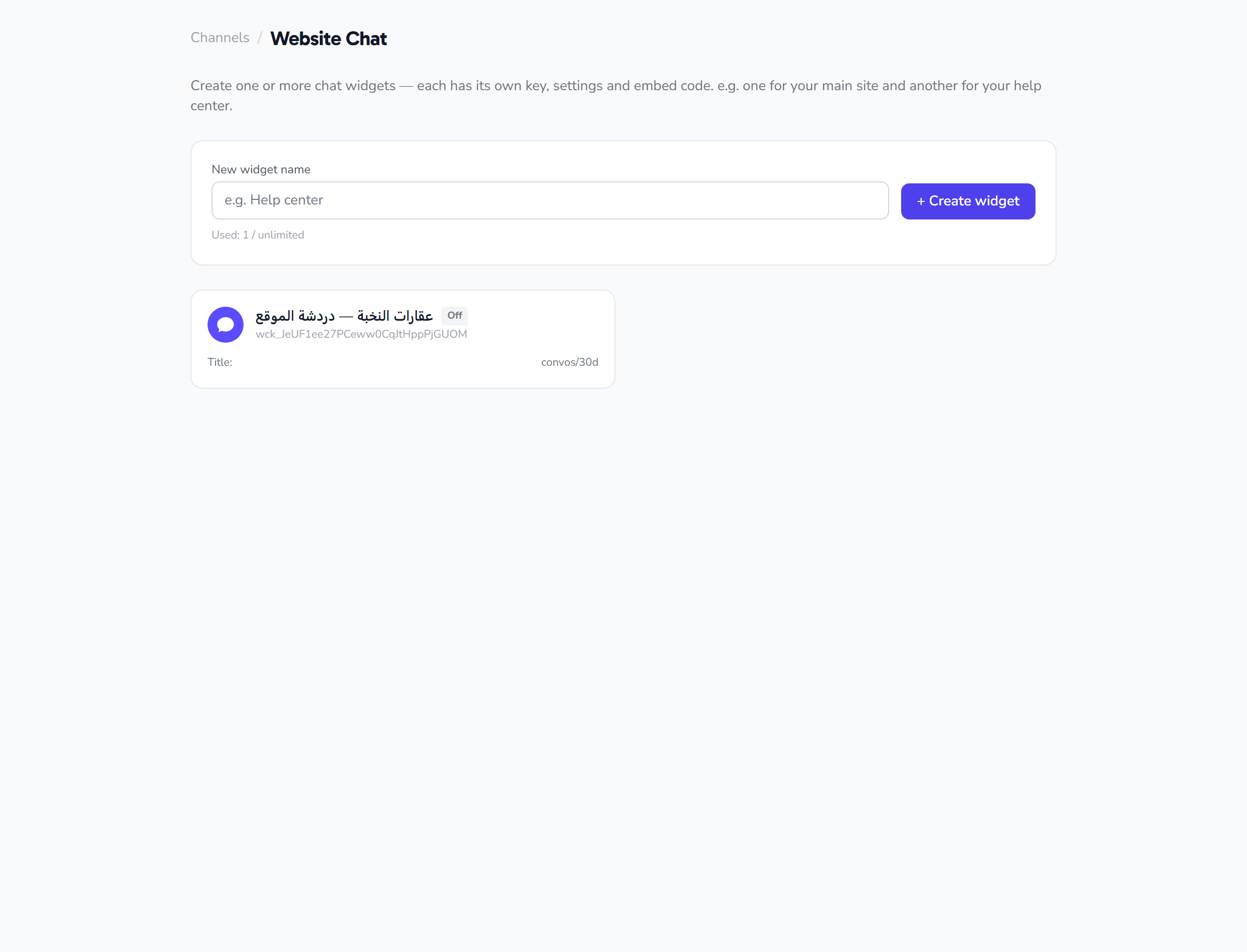
Go to Settings → Chat Widgets
-
Click + New Widget
-
Configure:
- WhatsApp account: which number receives the messages
- Greeting message: what the visitor writes initially
- Button text: "Contact us on WhatsApp" or whatever you like
- Color: to match your brand
- Position: bottom right / left
- Allowed domains: for security (optional)
-
Copy the embed code
Embed it on your site
Place this before the </body> tag:
<script src="https://fynchat.com/widget/widget.js"
        data-id="wd_xxxxxxxxx" async></script>
That's all. The button will appear automatically.
How does it work?
- The visitor clicks the button → a card opens with the agent's info and the greeting message
- They click "Contact" → WhatsApp Web or the app opens with your number and a prefilled message
- The click is logged in the widget's stats
- UTM Capture: if the visitor came from a campaign (
?utm_source=facebook), it's added to the message automatically
Use cases
Online store
- Place the widget on the product page
- Greeting text: "Need information about a specific product?"
- Helps hesitant customers before they buy
Services company website
- Greeting text: "Get a free quote"
- Converts visitors into leads directly
Landing page
- Greeting text: "Start today!"
- With UTM tracking to trace the visitor's source
Controlling visibility
Hide on specific pages
<script>
  // Don't load the widget on the Checkout page
  if (!window.location.pathname.includes('/checkout')) {
    document.write('<script src="..." data-id="..."><\/script>');
  }
</script>
Custom loading
<script>
  window.addEventListener('scroll', function () {
    // Load after the first scroll (doesn't slow down page load)
    if (window.scrollY > 100 && !window.flLoaded) {
      window.flLoaded = true;
      const s = document.createElement('script');
      s.src = 'https://fynchat.com/widget/widget.js';
      s.dataset.id = 'wd_xxx';
      document.body.appendChild(s);
    }
  });
</script>
Security (Domain Whitelist)
To prevent your widget from being used on unauthorized sites:
- When creating the widget → set the allowed domains:
yourdomain.com *.yourdomain.com shop.yourdomain.com - Any request from another site is rejected with a 403
Leave it empty to allow everyone (useful during testing).
Common issues
"The button doesn't appear"
- Check the console for errors
- Make sure
data-idis correct - Make sure your site's domain is in Allowed Domains (or that it's empty)
"The button stays loaded but doesn't open"
- Check that a WhatsApp account is linked to the widget
- Check that the phone number is correct in the account settings
"I want more customization"
A Pro version with custom animations, sounds, and popup forms is available on the Business plan.