 Fynchat
Create Your Fynchat Account
Simple steps to create your account and start your 14-day free trial.
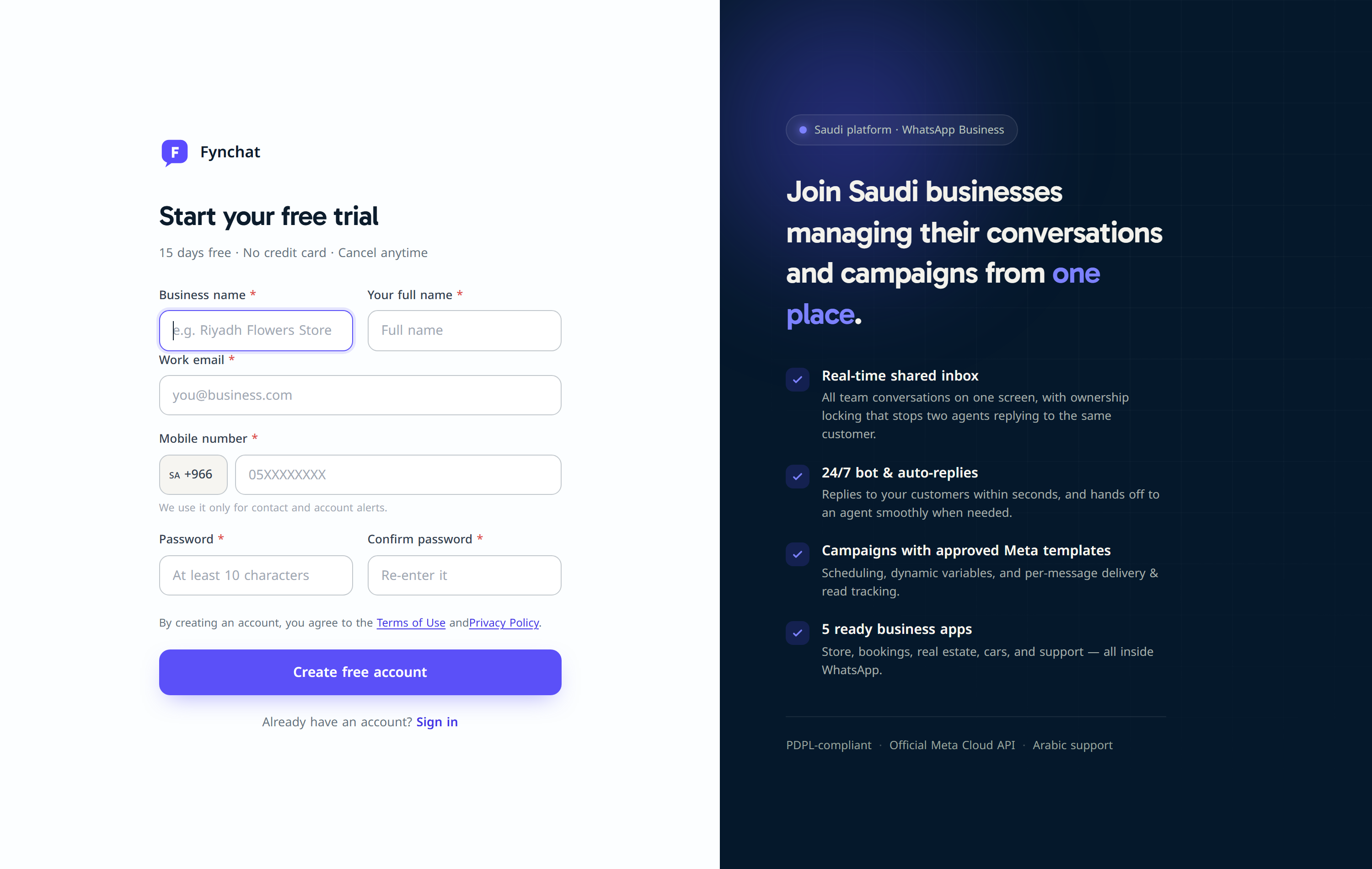
Sign-up steps
- Go to the sign-up page
- Enter your company name — this name will later appear on emails and invoices
- Enter your full name
- Enter a valid work email — use your company email if possible (more credible)
- Choose a strong password (at least 8 characters, mixing letters and numbers)
- Click Create account
What happens after signing up?
- We send you a welcome email containing your login link
- You are directed to the onboarding page to connect your WhatsApp account
- Your 14-day free trial starts automatically
The free trial
- Completely free — no credit card required
- All features unlocked during the trial
- 1,000-message limit for the trial period
- After 14 days, choose a paid plan to keep sending
Common issues
- Didn't get the welcome email? Check your Spam folder, or contact us at [email protected]
- "Email already in use" error? The email is already registered — use password recovery